There’s a photo
in your video.
Find it. Save it. Put it to work.
Pull stills for a portfolio, a listing, a presentation, or simply a moment you want to keep.
Free to use. No signup required.
Your footage stays on your device.
 Example capture
See StillPick Desktop in action.
From a video to a collection of finished stills. Watch the workflow in 33 seconds.
Silent animation; timing condensed.
What the demo shows
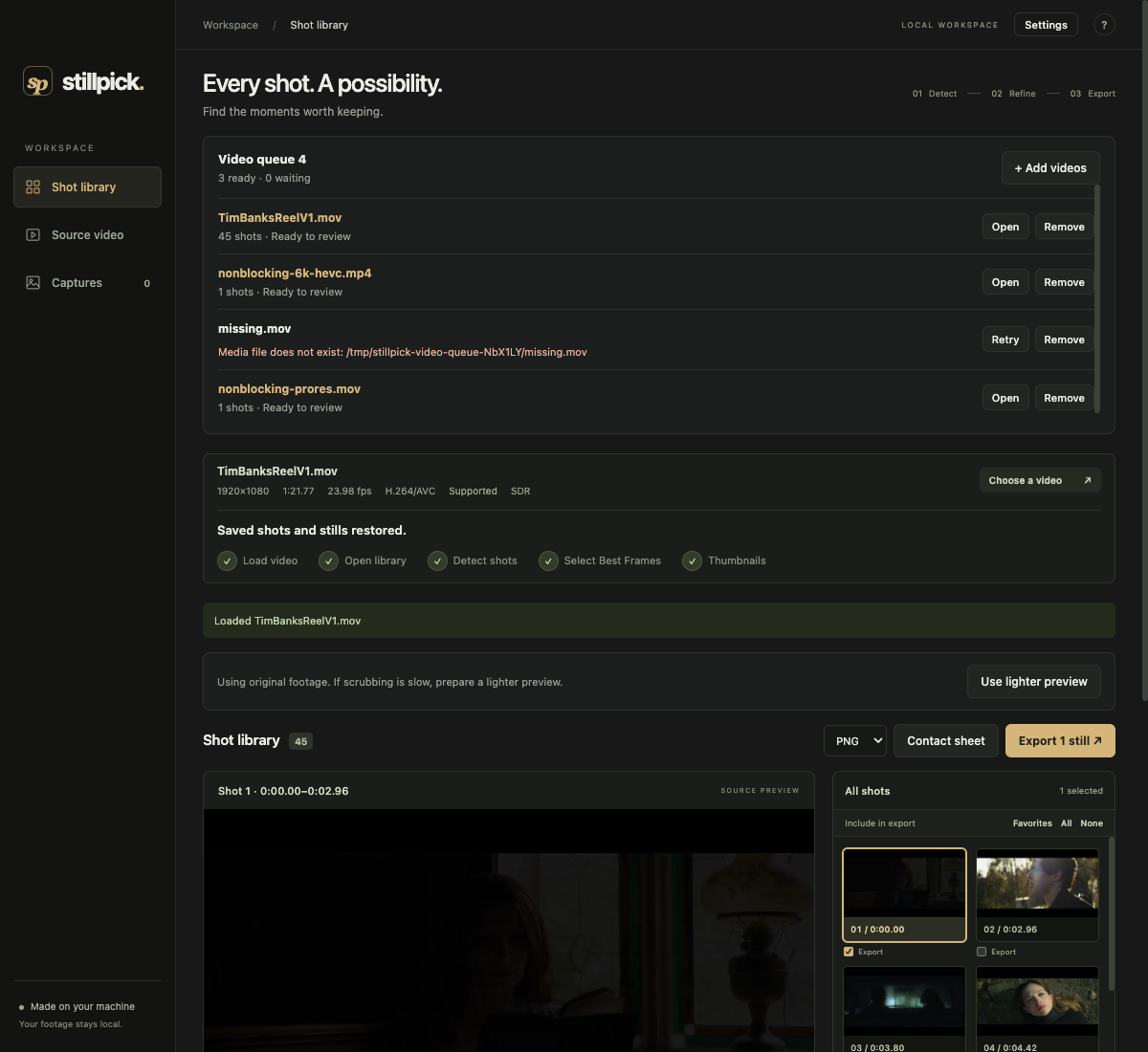
Drop in a video, detect its shots, and start with suggested frames. Scrub to choose a different moment; your selection saves automatically. Crop and reframe the image, adjust its color or add a 3D LUT, then export finished stills and a contact sheet. These tools are part of the separate Desktop app.
Open the video directlyFrom playback
to a picture.
Open your video, pause where it looks right, and capture a frame. Save a few options as you go, then download your picks as JPEG or PNG.
No editing timeline to learn. No upload to wait for.
Try the free browser appA whole project?
Meet your workspace.
StillPick Desktop helps you work through more footage, choose your frames, and finish a collection.
- ProRes, MXF, H.264, HEVC and more — see formats
- Automatic shot detection and suggested frames
- A queue for multiple videos and saved projects
- Crop, resize, and apply 3D LUTs
- Contact sheets and full-resolution exports
In development. Launch price: $29 once, two computers.
No payment collected.
Before you start.
Does my video get uploaded?
No. The browser tool opens the file on your device and captures the images locally. Normal website requests and any forms you choose to submit are handled by our web host. See our privacy notice.
Which videos can I use?
The web app accepts videos your browser can decode. MP4 with H.264 is a common choice; MOV and other formats depend on the codec and browser. The desktop development build adds local support for ProRes, MXF, DNxHD / DNxHR and more. Compare file types and codecs.
Is the browser app free?
Yes. Open a video, capture stills, and download them without an account. The planned desktop launch offer is $29 once for two computers. Its release date is still being worked out.
Can it choose frames for me?
Automatic shot detection and suggested starting frames are part of the desktop workflow. The free browser tool keeps things simple: you choose the moments to capture.